
A missed service deadline rarely announces itself. By the time a manager spots a breached ticket, the customer is already frustrated, and the clock has run out.
Real-time SLA tracking changes that. Instead of reviewing failures after the fact, your team watches the countdown while there is still time to act.
This guide explains what SLA tracking is and how live monitoring works. It then walks through the steps to set it up so deadlines stop slipping, as one core discipline in the complete guide to SLA management.
SLA tracking is the practice of monitoring service tickets against their agreed response and resolution deadlines. It tells you which tickets are on time, which are at risk, and which have already breached.
A service level agreement sets the promise. For example, your team might commit to a first reply within one hour.
Tracking is how you measure whether that promise is kept. Real-time tracking adds a live element, so each ticket carries a visible timer that updates as the deadline approaches.
These three terms are easy to confuse, yet each plays a distinct role in service delivery.
In short, the SLA is what you promise outward, and the SLO is what you push for internally. The OLA is how internal teams support each other to hit both.
Traditional reporting tells you about breaches after they happen. Real-time tracking surfaces problems while you can still fix them.
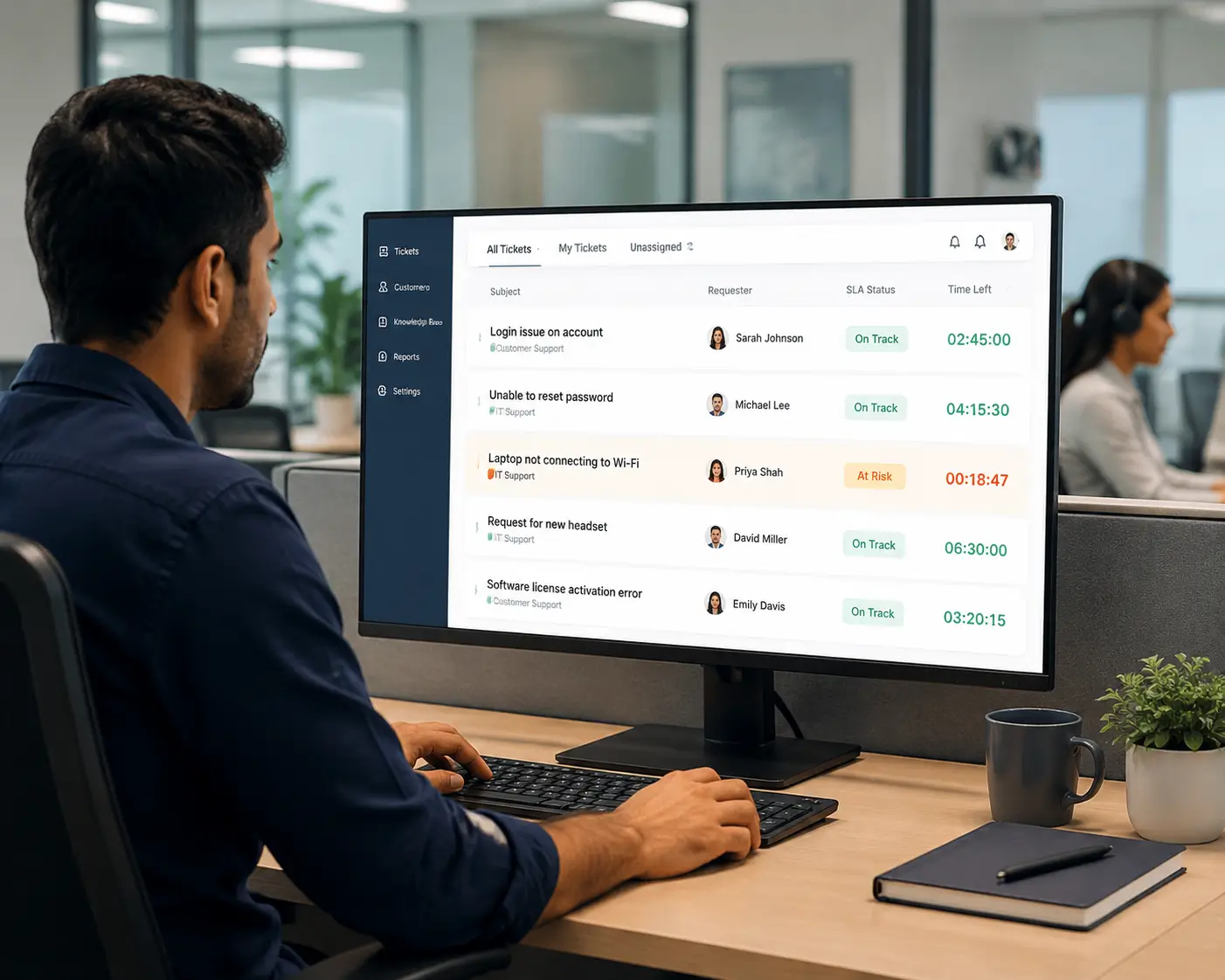
In practice, a live system shows a running timer on every open ticket. Tickets nearing their deadline move into an at-risk state and trigger an alert.
A manager opening the dashboard can see, at a glance, how many tickets are on track, approaching breach, or overdue. That single view replaces hours of manual checking.

SLAs are not just numbers in a contract. They shape how agents prioritize their day and how managers spot pressure before it becomes a crisis.
When deadlines are visible, agents naturally work the most urgent tickets first. Response times become more predictable, and fewer requests are forgotten in a crowded queue.
For example, a support lead can reassign work the moment a P1 ticket turns red. There is no need to wait for next week’s report to find the miss.
Most teams track a small set of SLA types, usually tied to ticket priority. The table below shows how response and resolution targets typically scale by urgency. The timings are illustrative examples, not benchmarks.
| Priority | Example response target | Example resolution target | Typical use |
|---|---|---|---|
| P1 – Critical | 15 minutes | 4 hours | Outage or business-stopping issue |
| P2 – High | 1 hour | 8 hours | Major feature broken for many users |
| P3 – Medium | 4 hours | 2 business days | Standard request or minor bug |
| P4 – Low | 1 business day | 5 business days | Cosmetic issue or general question |
Response time measures how quickly someone acknowledges the ticket. Resolution time measures how long until the issue is fully closed.
Live SLA tracking is mostly a matter of setting it up correctly once. These five steps cover the components that matter.
Start by deciding what each policy measures and when the clock starts. A clear policy names the metric, the target, and the priority it applies to.
Keep the first version simple. Two metrics per priority, response and resolution, are enough to begin.
A four-hour target means little if your team only works eight hours a day. Tie each SLA to business hours so the timer pauses overnight and on weekends.
For distributed teams, set the calendar to the customer’s time zone. This prevents a ticket from quietly breaching while the assigned region is offline.
Decide what starts and stops each timer. The response clock usually stops on first agent reply, and the resolution clock stops when the ticket closes.
Pause events matter just as much. When a ticket is waiting on the customer, the clock should pause so your team is not penalized for someone else’s delay.
Alerts turn tracking into prevention. Configure a warning when a ticket reaches, say, 75 percent of its time budget, well before it breaches. Pair the warning with an escalation rule, which is covered in full in setting SLA escalation rules. If the ticket is still open near the deadline, it can notify a team lead or reassign automatically.
Live dashboards handle the day. Periodic reports show the trend so you can adjust targets that are consistently too tight or too loose.
Track compliance rate, breaches by priority, and average response time. These three numbers reveal whether your SLAs are realistic.
Real-time visibility is only useful if it changes behavior. A few habits keep deadlines under control.
Review breaches weekly to find patterns, such as one queue that always runs late. For a fuller playbook, see our 7 ways to prevent SLA breaches.
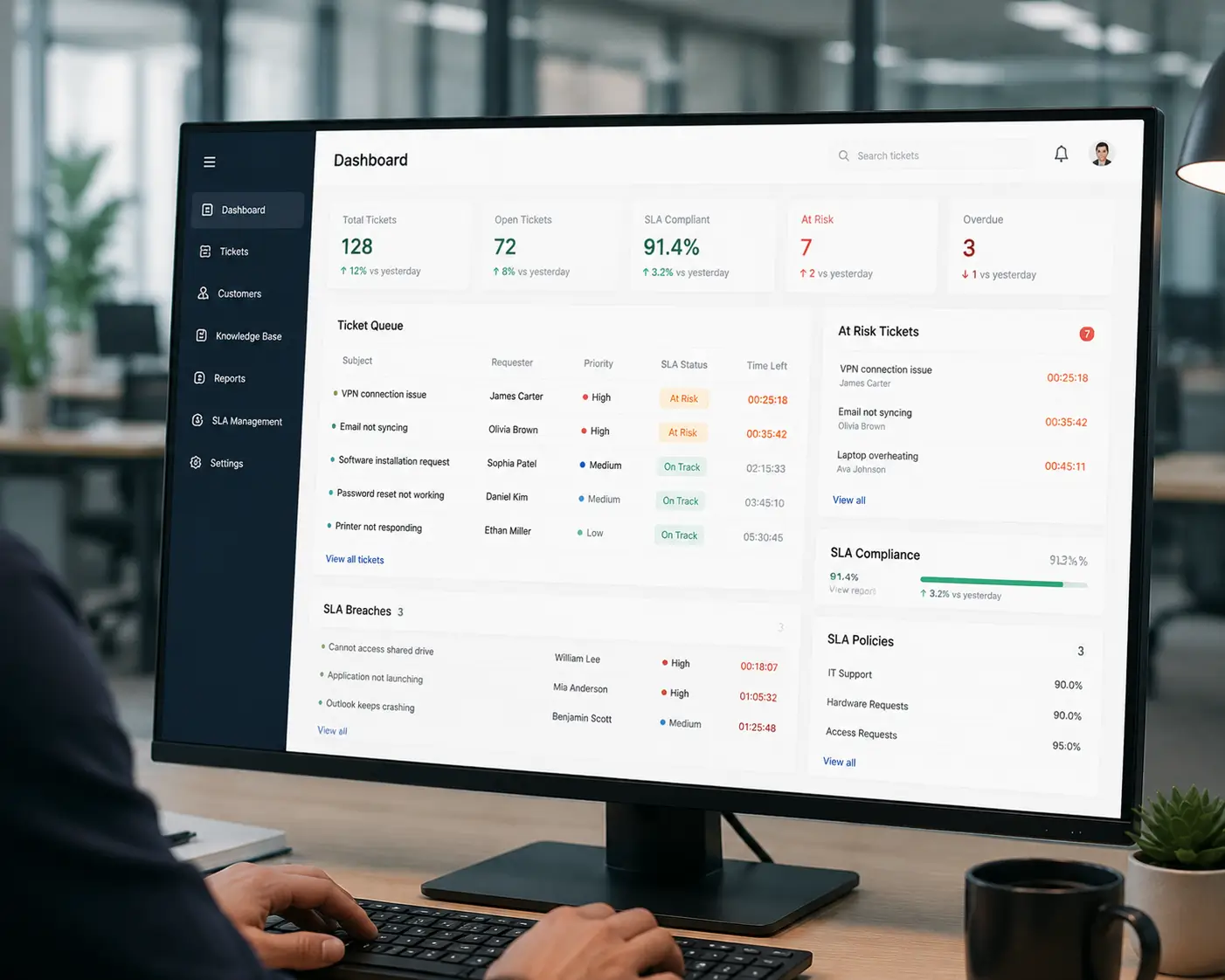
Hengine SDP includes an SLA Management and Escalation Engine built around live tracking. Response and resolution targets can be set by priority and department, and every open ticket shows its SLA status in real time.
The engine supports pause and resume for on-hold scenarios, and it escalates automatically when a ticket is about to breach. Its real-time SLA tracking, backed by Vital Analytics with SLA risk prediction, flags tickets likely to miss before the deadline arrives.
Next step: See how Hengine’s real-time SLA tracking keeps deadlines visible. Book a demo or start a free trial to watch live timers and at-risk alerts on your own queue.
What is the difference between an SLA and an SLO?
An SLA is the deadline you promise to a customer. An SLO is the internal target your team aims for, usually a little stricter so you have a buffer before the SLA is at risk.
What do P1 to P4 mean in SLA tracking?
They are priority levels, from P1 (critical, business-stopping) down to P4 (low impact). Each priority normally has its own response and resolution targets, with tighter deadlines for higher urgency.
Does real-time tracking replace SLA reporting?
No. Live tracking prevents breaches during the day, while reports show longer-term trends. Most teams use both: dashboards to act now and reports to refine targets over time.



