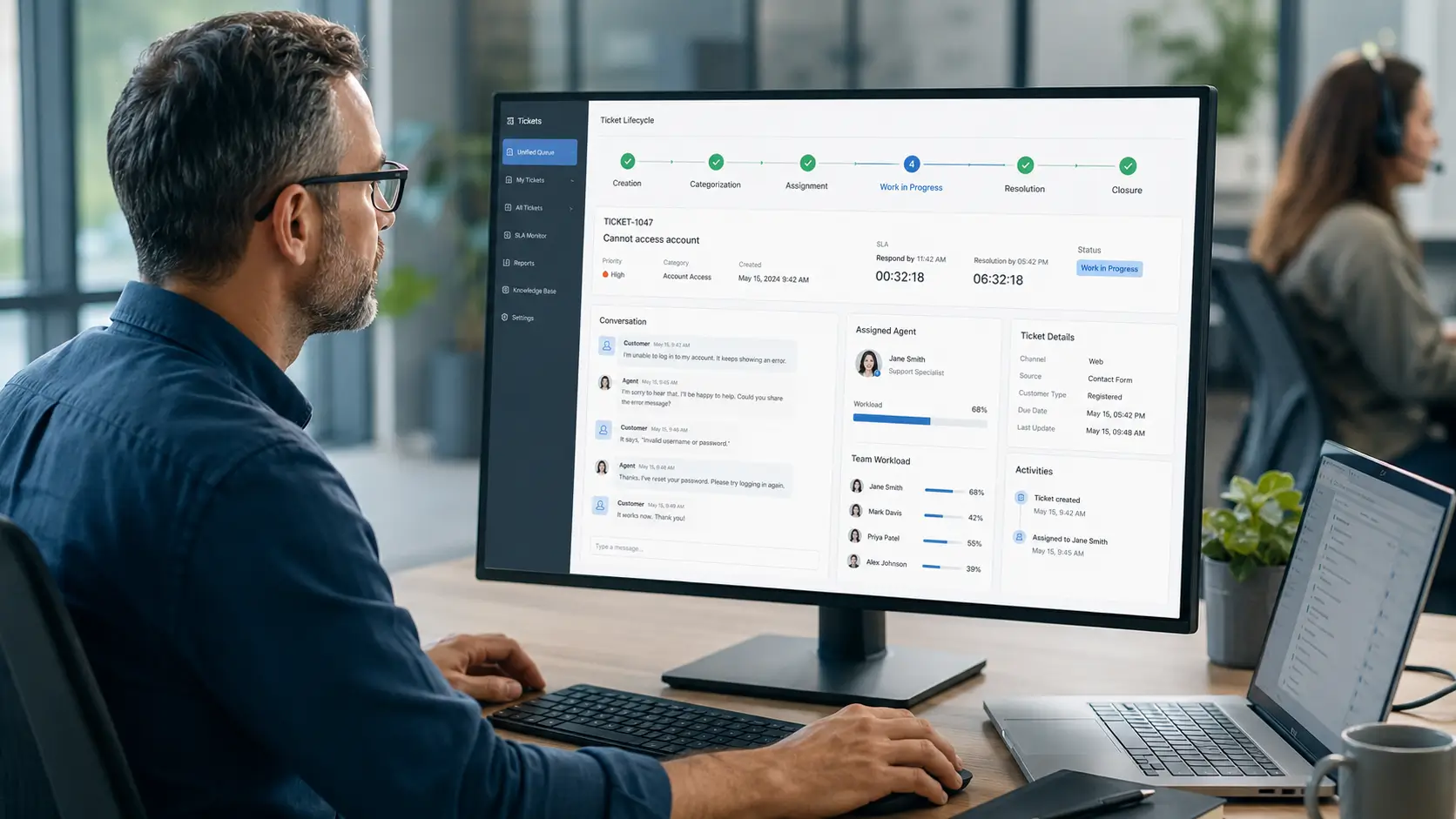
When customers or employees need help, they need one clear place to ask. A help desk is that place.
It is where requests come in, get organized, and get resolved. Behind the scenes, it keeps support running smoothly.
This guide explains what a help desk is, how it works, the main types, and why teams use one.
A help desk is the function and tool that handles support requests. It gives people a single point of contact for help.
As software, it captures requests, turns them into tickets, and helps agents resolve them. As a team, it is the people who provide that support.
The goal is simple: solve problems quickly and keep requesters informed.
A help desk covers a few core jobs. Together they keep support organized.
The ticketing system is the engine underneath this work.
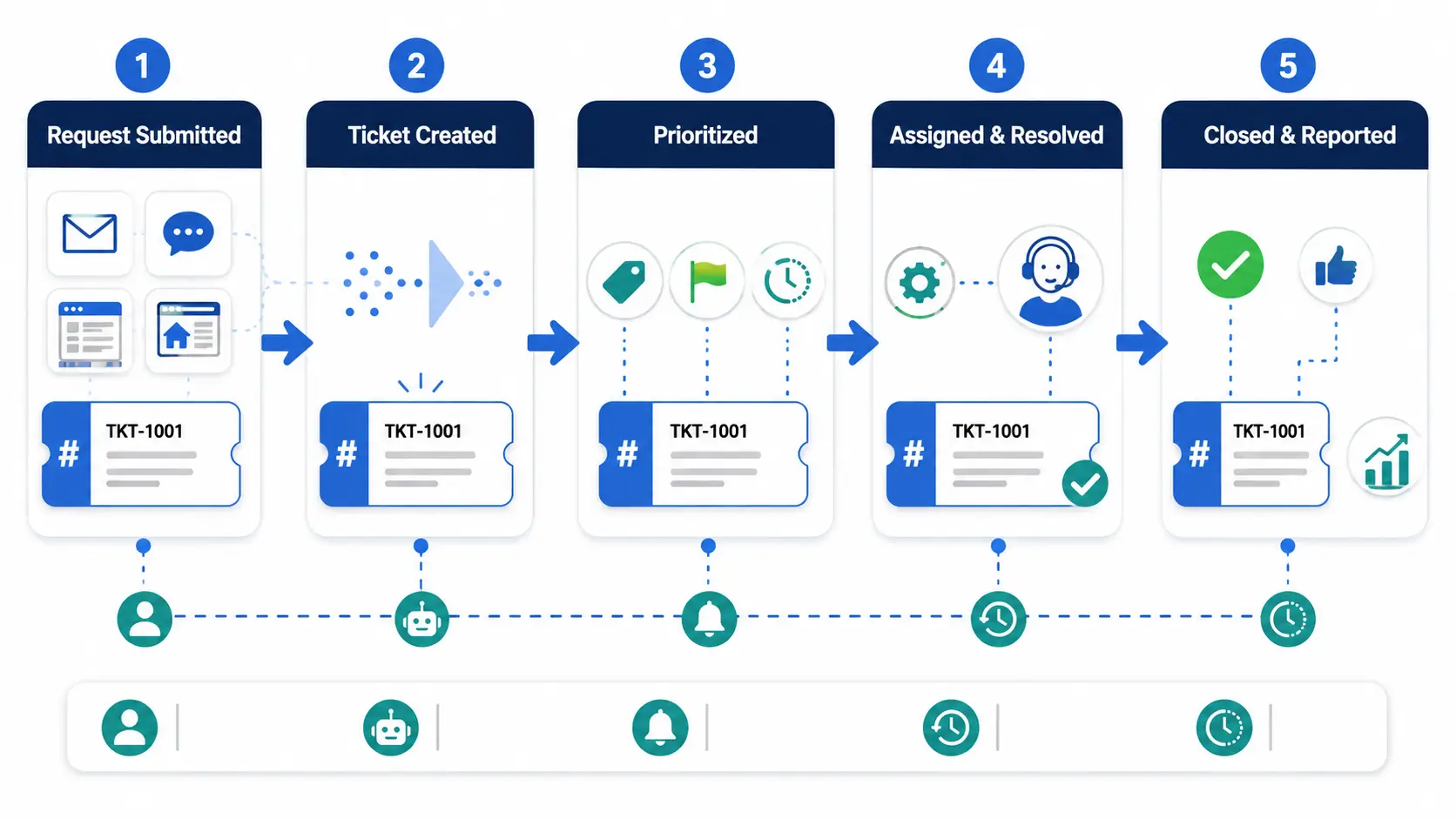
A request follows a clear path from arrival to resolution.
Automation can move tickets along at each step.
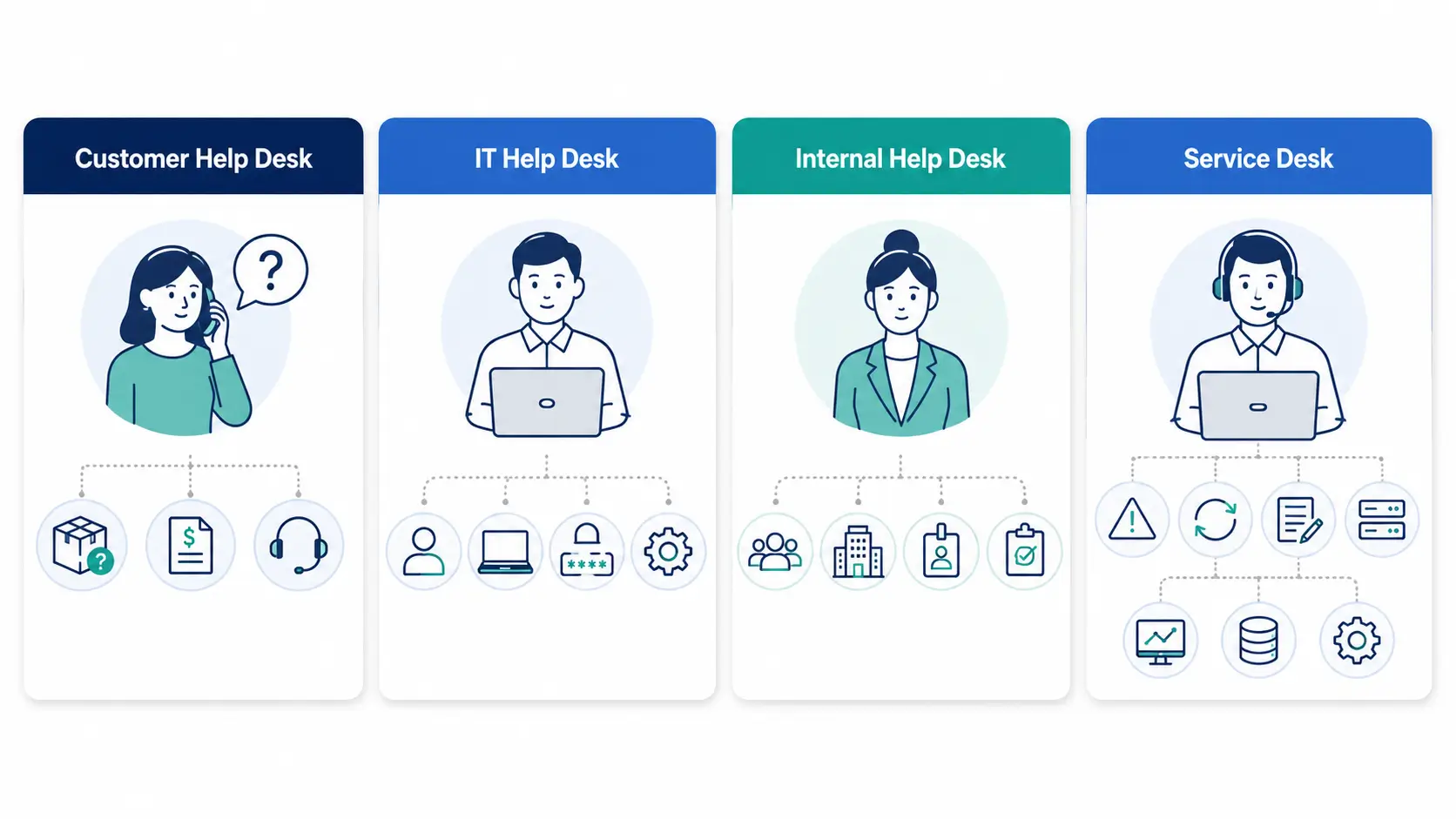
Help desks serve different audiences. The type shapes the features you need.
| Type | Who it serves | Typical requests |
|---|---|---|
| Customer help desk | External customers | Product, billing, how-to |
| IT help desk | Employees | Passwords, hardware, access |
| Internal help desk | HR, facilities, ops | Onboarding, office issues |
| Service desk (ITSM) | Large IT operations | Incidents, changes, requests |
Customer help desk
IT help desk
Internal help desk
Service desk (ITSM)
A service desk is a broader, ITSM-focused version of a help desk. service desk vs help desk
Requests arrive through many channels. A good help desk brings them into one queue.
Common channels include email, live chat, web forms, and a self-service portal. Some add phone and social media.
Uniting channels prevents requests from being missed in a separate inbox.
The benefits are practical and quick to see.
Every request becomes a tracked ticket with an owner. Nothing gets lost.
Routing and templates speed replies. Customers get consistent answers.
Reporting reveals volume, response times, and backlog.
A help desk is more than an inbox. A few features do the heavy lifting.
You do not need every feature on day one. Start with ticketing and SLAs, then add the rest.
A good help desk deflects work before it becomes a ticket. Self-service is how.
A knowledge base or help center answers common questions on demand. Customers get instant help, and agents handle fewer repeat tickets.
This frees the team to focus on complex issues that truly need a person.
Many teams start with a shared inbox. It works until volume grows.
A shared inbox lacks ownership, SLAs, and reporting. A help desk adds all three, plus history on every request.
When email gets chaotic, a help desk is the next step.
It is the single place where support requests come in and get resolved. It uses tickets to track each one.
A help desk focuses on resolving requests. A service desk is broader, covering ITSM processes like incidents and changes.
No. A ticketing system tracks tickets. A help desk is the wider tool and function built around it.
Usually email, chat, web forms, and a self-service portal. Some also include phone and social media.
Once requests get lost in email, yes. A help desk brings order even for small teams.
Decide who you support and which channels they use. Then choose a tool that fits your team’s size and needs.
To see a modern help desk with AI routing and SLA tracking, explore how Hengine works.