
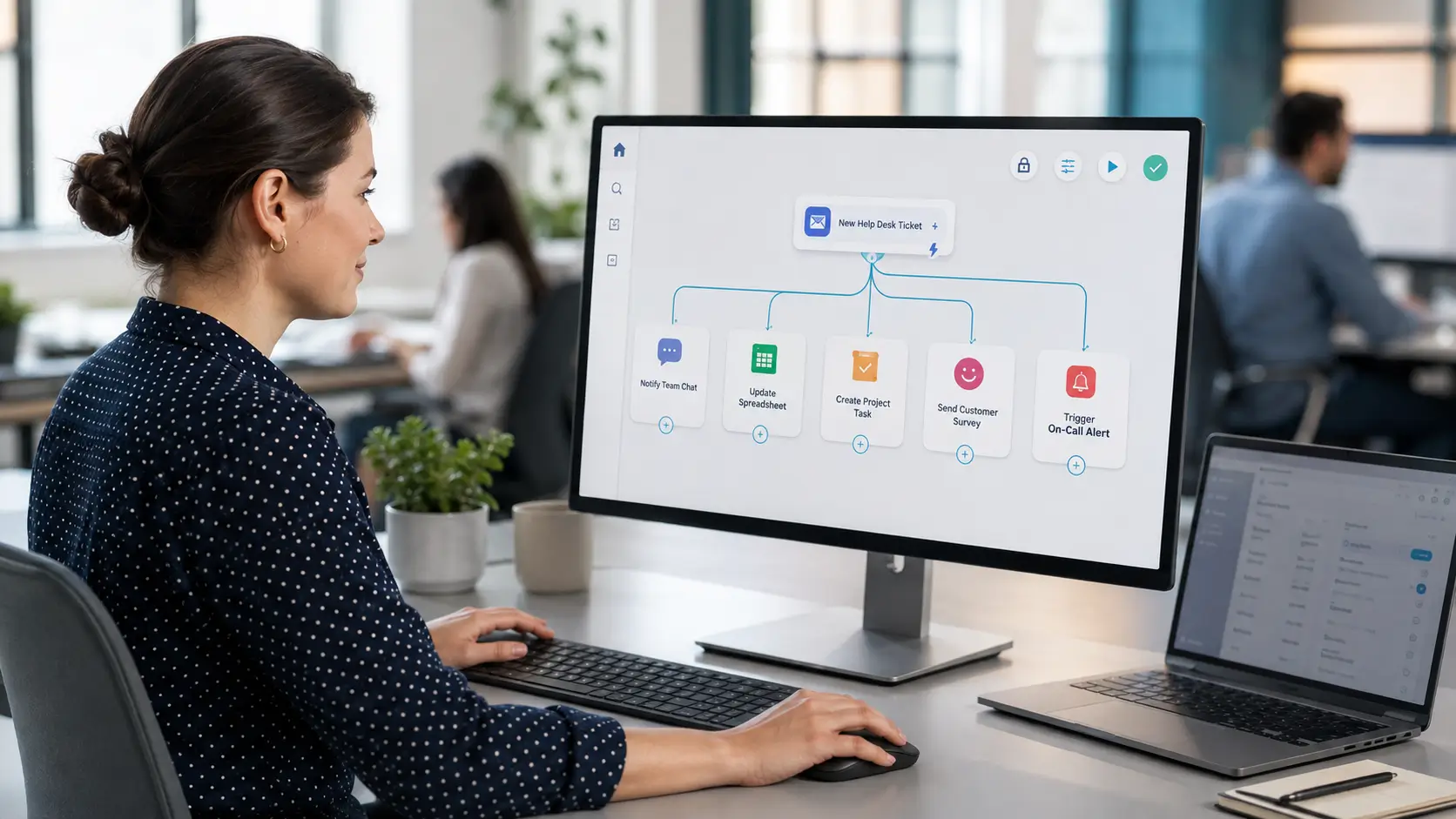
You do not need a developer to connect your help desk to other tools. No-code integration platforms let support teams build connections themselves, visually, in minutes. They sit between prebuilt native integrations and full custom API work.
This guide explains what no-code integrations are, how they work, and how to use them well.
A no-code integration connects two apps without programming. You build the connection through a visual interface, choosing triggers and actions instead of writing code.
These are often built on integration platforms, sometimes called iPaaS. Popular examples let you link hundreds of apps together with a few clicks.
The appeal is ownership. The person who understands the workflow can build it, without waiting on an engineering team.
Support teams have integration needs that change often. Waiting weeks for developer time kills momentum.
No-code tools remove that bottleneck. An ops lead can connect the help desk to a chat tool or spreadsheet the same day.
They also cover the long tail of apps that lack native integrations. If two tools do not connect directly, a no-code platform usually bridges them.
The pattern mirrors automation rules. Once you see it, you can build almost anything.
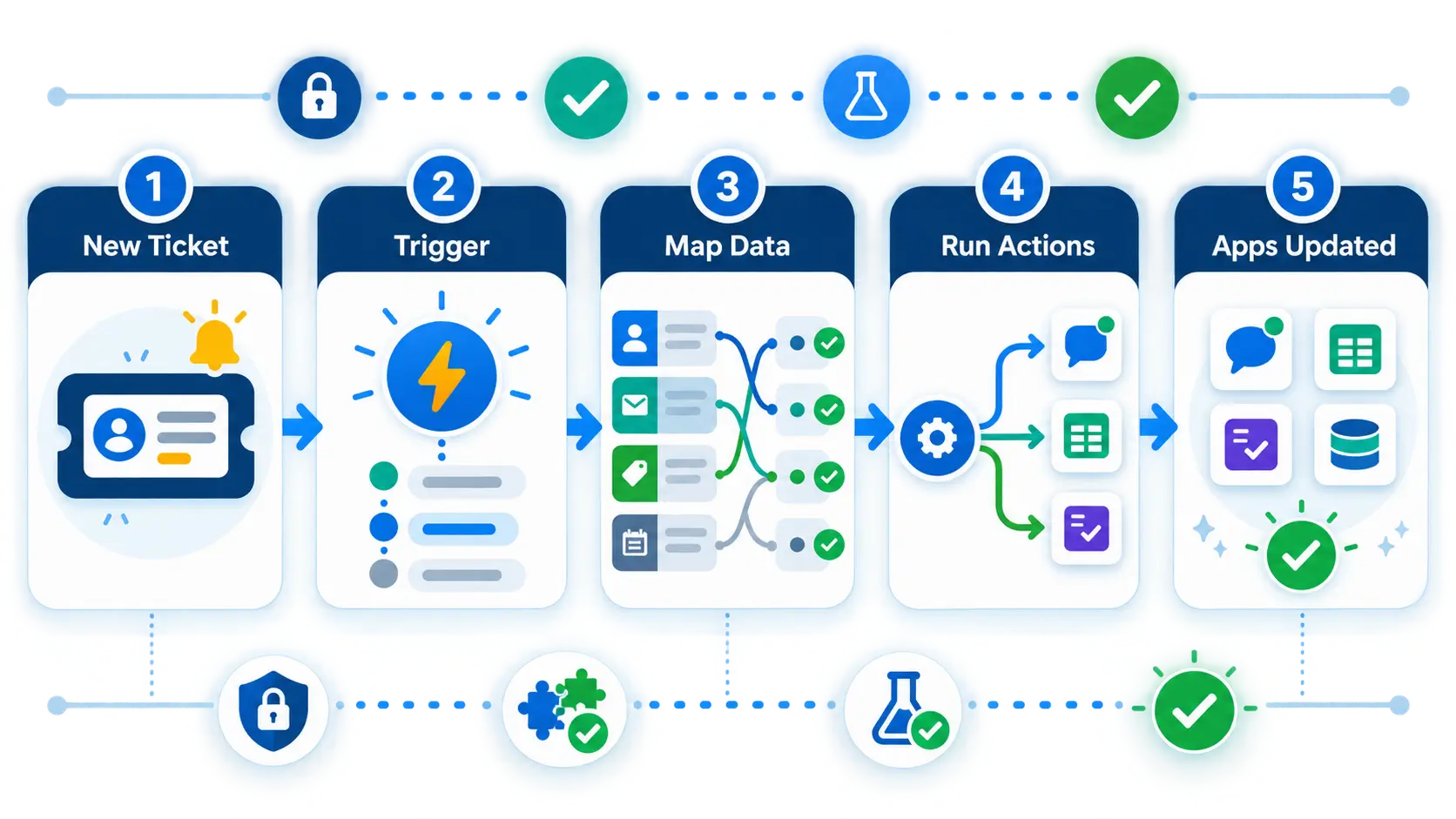
Every no-code integration starts with a trigger, an event in one app. For support, that might be a new ticket in the help desk.
The trigger then fires one or more actions in other apps. A new ticket could post to Slack, add a row to a spreadsheet, and create a task in a project tool.
The platform handles the connection, authentication, and data mapping. You just choose the apps and the steps.
A few connections are especially useful for support teams. These deliver quick value.
Each is built visually, without touching code.
Getting started is quick. These steps apply to most platforms.
Start with one simple, high-value flow. You can layer on more once it works.
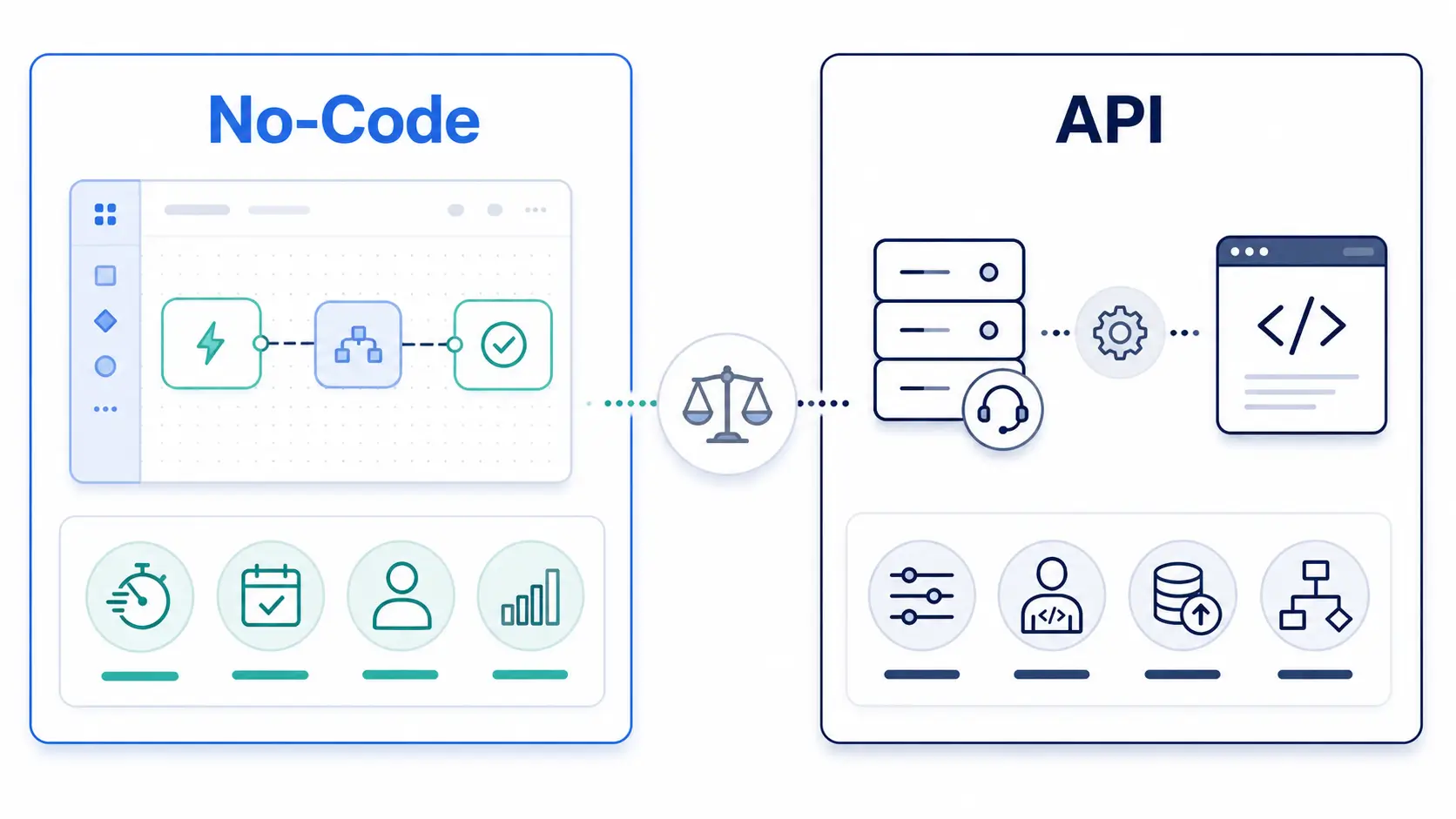
No-code tools are powerful, but they are not always the right choice. Knowing the limits helps.
Very complex or high-volume workflows can hit platform limits or costs. At large scale, a direct API integration may be cheaper and faster.
You also depend on the platform and its app support. If a tool is not covered, you may still need the API.
For most everyday connections, though, no-code is the fastest path. Reach for the API only when you outgrow it.
Not every no-code platform fits every team. A few criteria help you choose.
Check that it supports your help desk and the other apps you use. Broad app coverage is the main reason to pick one platform over another.
Look at how it handles errors and retries, so a failed step does not silently lose data. Reliability matters as you depend on more flows.
Finally, weigh the pricing model. Many platforms charge by task volume, so estimate your usage before committing.
Hengine SDP supports webhooks and API access, which are the hooks no-code platforms use to connect. That means Hengine can trigger and receive actions through popular no-code tools.
A new Hengine ticket can start a no-code flow that updates other apps, and external events can create or update Hengine tickets in return. Workflow Automation handles the logic inside Hengine, while no-code platforms extend it outward.
The result is flexible connectivity without heavy development. Support teams can wire up their stack themselves.
Next step: Connect Hengine to your favorite tools without code. Book a demo or start with the free Fremium plan.
It is a connection between two apps built without programming, using a visual interface. You pick a trigger and actions, and the platform handles the rest. It lets non-developers connect tools like a help desk and Slack.
iPaaS stands for integration platform as a service. It is a tool that connects apps and automates data flow between them, often with no code. It is the technology behind many no-code integrations.
Use no-code for common, everyday connections and when you have no developer available. Use the API for complex, high-volume, or highly custom workflows where a direct integration is more efficient.
They work with any help desk that offers webhooks or an API, which most modern ones do. The no-code platform uses those hooks to send and receive data, so support depends on both the platform and the help desk.



