
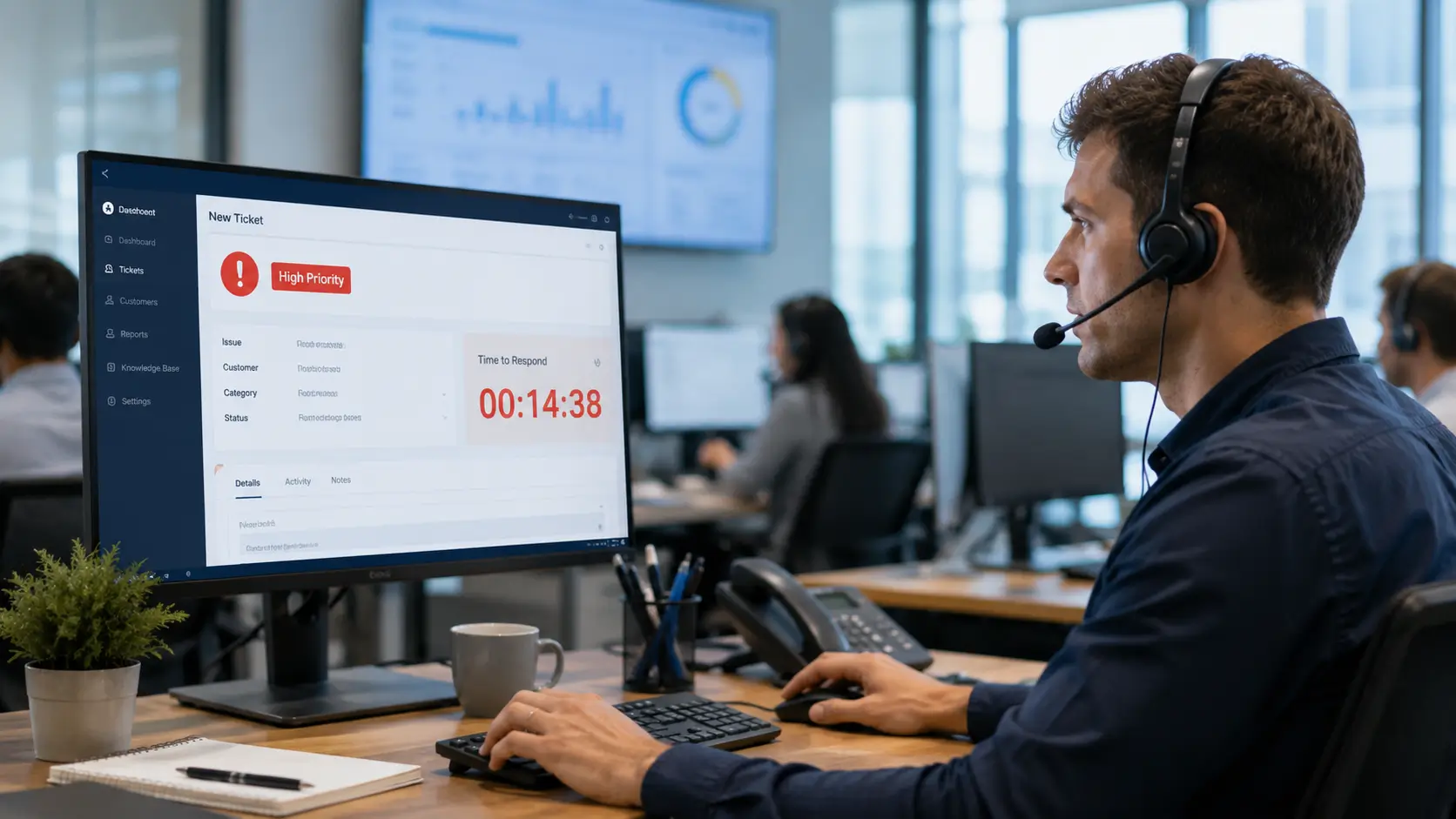
When a service goes down, the clock starts. Incident management is the process that restores it as fast as possible, with the least disruption to users.
This guide explains what incident management is, how the process works, and how to run it well. It covers priorities, roles, and the best practices that keep downtime low.
Incident management is the ITSM process for handling unplanned disruptions to a service. An incident is anything that stops a service working normally, from a full outage to a single broken feature.
The goal is simple: restore normal service quickly. Speed matters more than finding the deep cause, which comes later.
Every incident follows a lifecycle, from the moment it is reported to the moment it is resolved and closed. A clear process keeps that lifecycle fast and consistent.
These three are easy to confuse, but each is handled differently.
An incident is an unplanned disruption, like email being down. The response is to restore service fast.
A service request is a routine, planned ask, such as new software or access. It follows a standard workflow, not an emergency response.
A problem is the underlying cause of one or more incidents. Problem management fixes that root cause so incidents stop recurring.
“The Complete Guide to IT Service Management (ITSM)” and across to “Problem Management Explained.”
Most incidents move through the same stages. A defined flow keeps nothing from slipping.
Each stage should be tracked. That record speeds diagnosis and feeds later improvement.
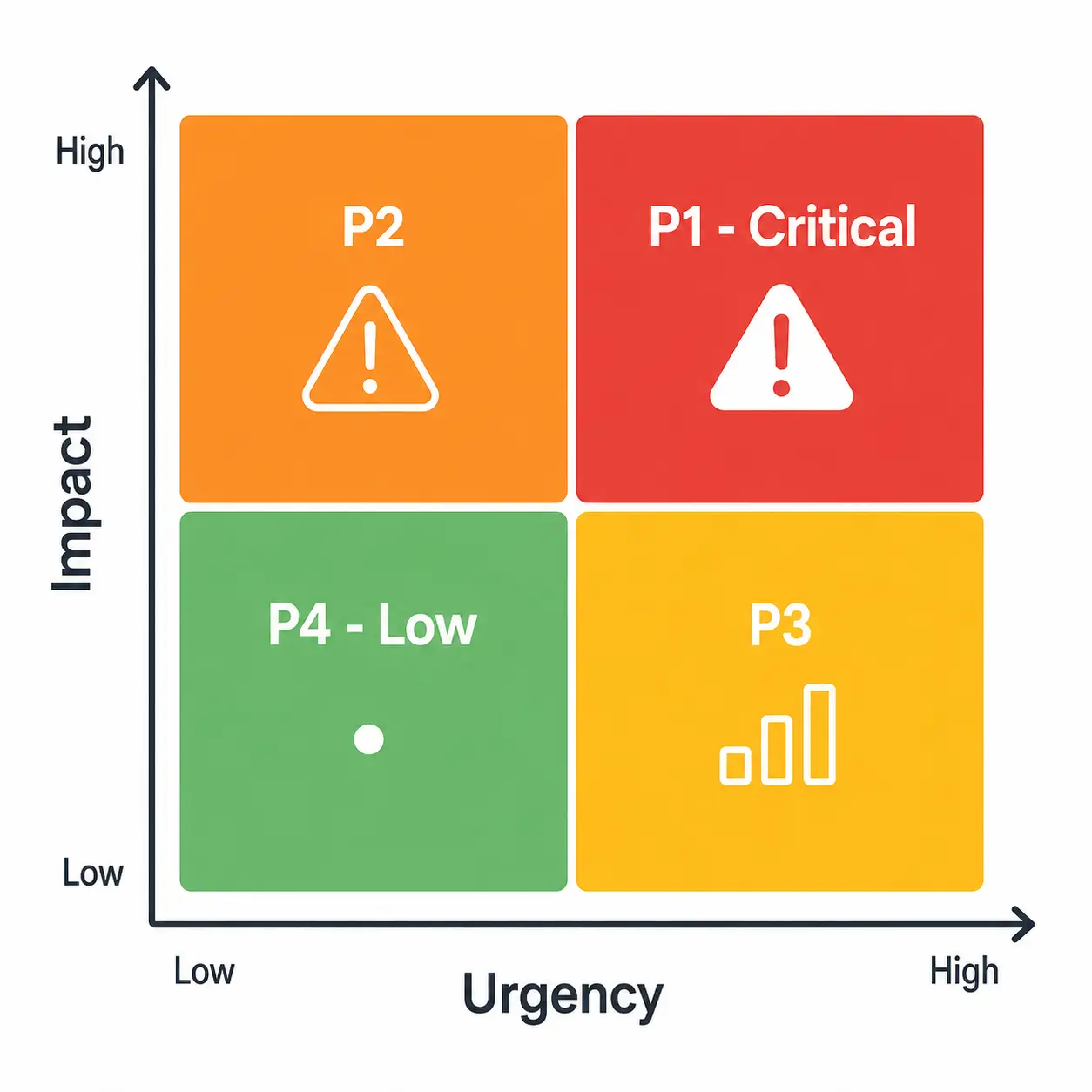
Not every incident is equally urgent. Priority decides what gets attention first.
Priority is usually set from two factors: impact and urgency. Impact is how many people or how much of the business is affected, and urgency is how quickly it needs fixing.
A company-wide outage is high impact and high urgency, so it becomes a P1. A single user’s minor issue is low on both, so it waits.
The priority levels below are illustrative examples. Set your own based on your business needs.
| Priority | Impact | Example |
|---|---|---|
| P1 – Critical | Business-wide | Email or a core system is down |
| P2 – High | Many users | A key feature is broken |
| P3 – Medium | Some users | A non-urgent bug or request |
| P4 – Low | One user | A minor, cosmetic issue |
P1 – Critical
P2 – High
P3 – Medium
P4 – Low
Clear roles keep incidents moving. A few appear in most teams.
Front-line agents log and handle common incidents, resolving what they can. More complex issues are escalated to specialists with deeper expertise.
For major incidents, an incident manager coordinates the response. They keep communication clear and drive the team toward resolution.
A few habits separate fast recovery from slow chaos.

Some incidents are big enough to need a special response. A major incident has a severe, widespread impact and demands urgent, coordinated action.
These are handled with a dedicated process. An incident manager coordinates the response, communication is frequent, and all hands focus on restoring service.
After the crisis, a major incident review captures what happened. The lessons feed problem management, so the same failure is less likely to repeat.
Hengine SDP is built to handle incidents from start to finish. Its ServiceHub engine manages the full ticket lifecycle, including creation, assignment, escalation, closure, and reopening.
Priority-based handling and Workflow Automation route each incident to the right team automatically. The SLA Management and Escalation Engine tracks deadlines in real time and escalates before they are missed.
Vital Analytics then shows incident trends and response times, so managers can spot recurring issues and improve. A shared knowledge base supports faster, more consistent resolutions.
See also: How to Track SLAs in Real Time.
Next step: Handle incidents faster with automated routing and real-time SLAs. Book a Hengine demo or start with the free Fremium plan.
An incident is a single disruption to a service, and the goal is to restore service quickly. A problem is the root cause behind one or more incidents, and the goal is to fix it permanently so the incidents stop.
A P1 is a critical, high-priority incident, usually a business-wide outage or a failure of a core system. It gets the fastest response and the tightest SLA because its impact and urgency are both high.
The main goal is to restore normal service as quickly as possible while minimizing the impact on users and the business. Finding the deeper root cause is the job of problem management, not incident management.
Priority is set from impact and urgency. Impact is how many users or how much of the business is affected, and urgency is how quickly it must be fixed. Together they place each incident on a scale like P1 to P4.



